


Most business owners who ask us for an app have already been told they need one. Sometimes that is true. Often, a fast mobile website would do the same job for a fraction of the cost. Before you spend money on an app, be clear about what it will do for your customers that your website can't.
When an app is worth it
An app earns its place when people use it again and again. If your customers come back every week, or every day, an icon on their home screen and the ability to send them a notification are genuinely valuable. Good examples:
- Ordering and reordering: groceries, food, medicines, spare parts
- Bookings people make often: salons, gyms, tuition, clinics
- Loyalty points and rewards that need checking on the spot
- Tools your own staff use in the field, like deliveries, sales visits or site inspections
If customers deal with you once a year, an app usually gets uninstalled. A well-built mobile website that shows up properly on Google will do more for you.
Native, cross-platform or a web app?
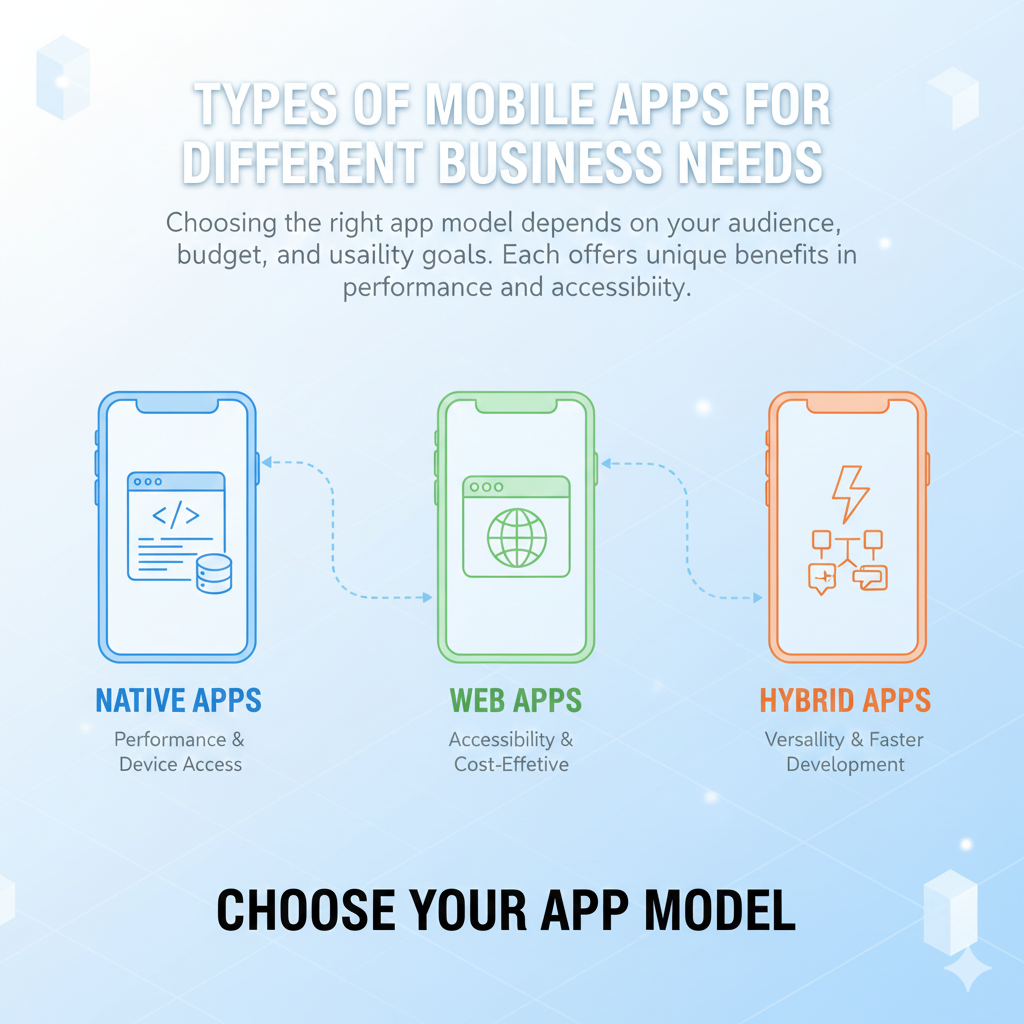
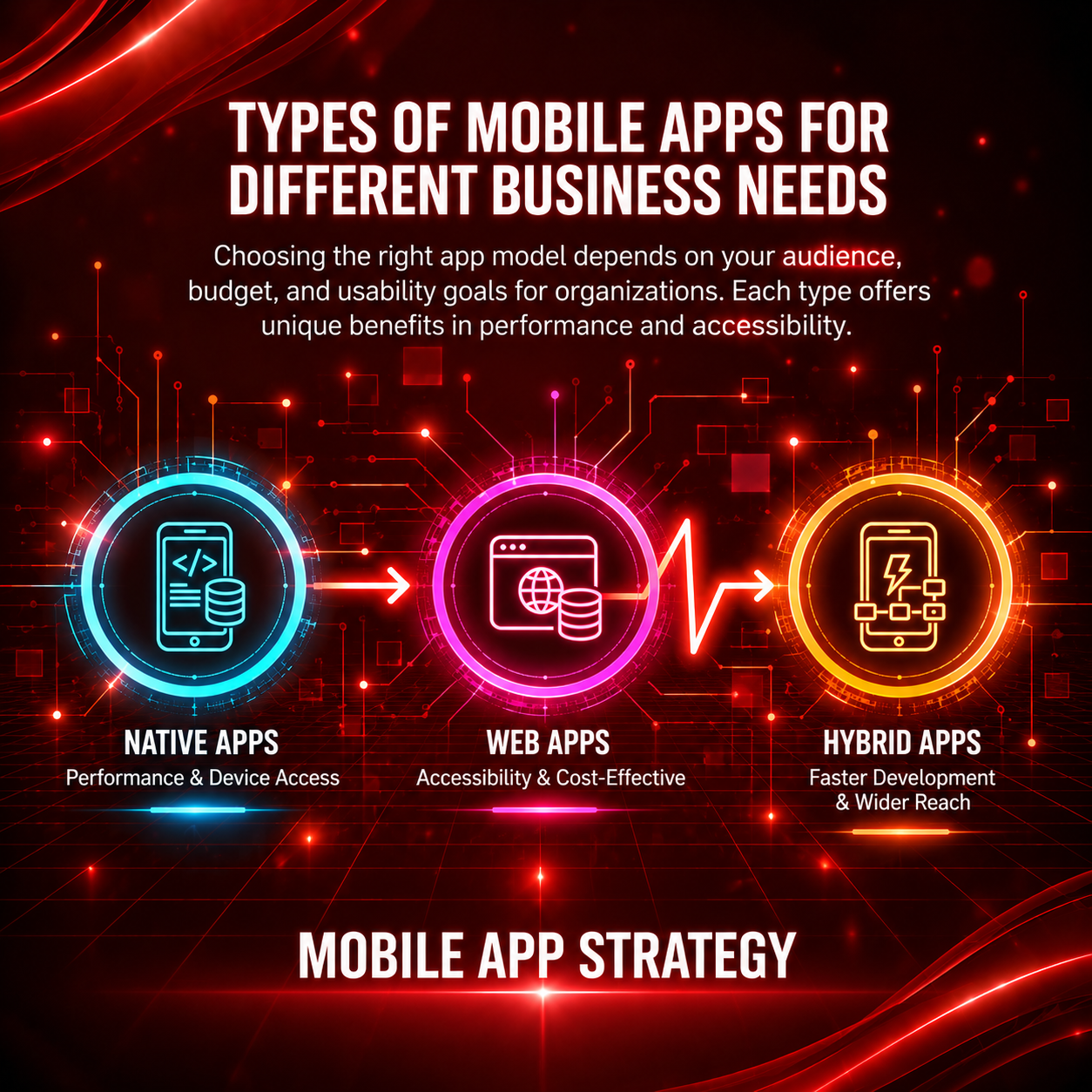
There are three ways to build it, and the right one depends on what the app has to do.
- Native apps (Kotlin for Android, Swift for iOS) give the best performance and full access to the phone's hardware. They also mean building and maintaining two separate apps.
- Cross-platform apps (we mostly use Flutter, sometimes React Native) share one codebase across Android and iOS. For most business apps the difference in feel is hard to spot, and the cost is noticeably lower.
- Progressive web apps run in the browser but can be added to the home screen. They are cheap and quick to ship, but notifications and offline use are more limited, especially on iPhones.
What a good business app gets right
The apps people keep are rarely the ones with the most features. They are the ones that do a few things without friction:
- Sign-in that takes seconds, ideally with a phone number and OTP
- Screens that load quickly, even on a patchy 4G connection
- Payments that just work, with UPI, cards and wallets through a gateway like Razorpay
- Notifications that are useful, not daily spam
- Enough offline support that the app does not break in a lift or a basement
“Mobile-first businesses grow faster and connect deeper with customers.” ~ Sam Ali
How we build an app, step by step
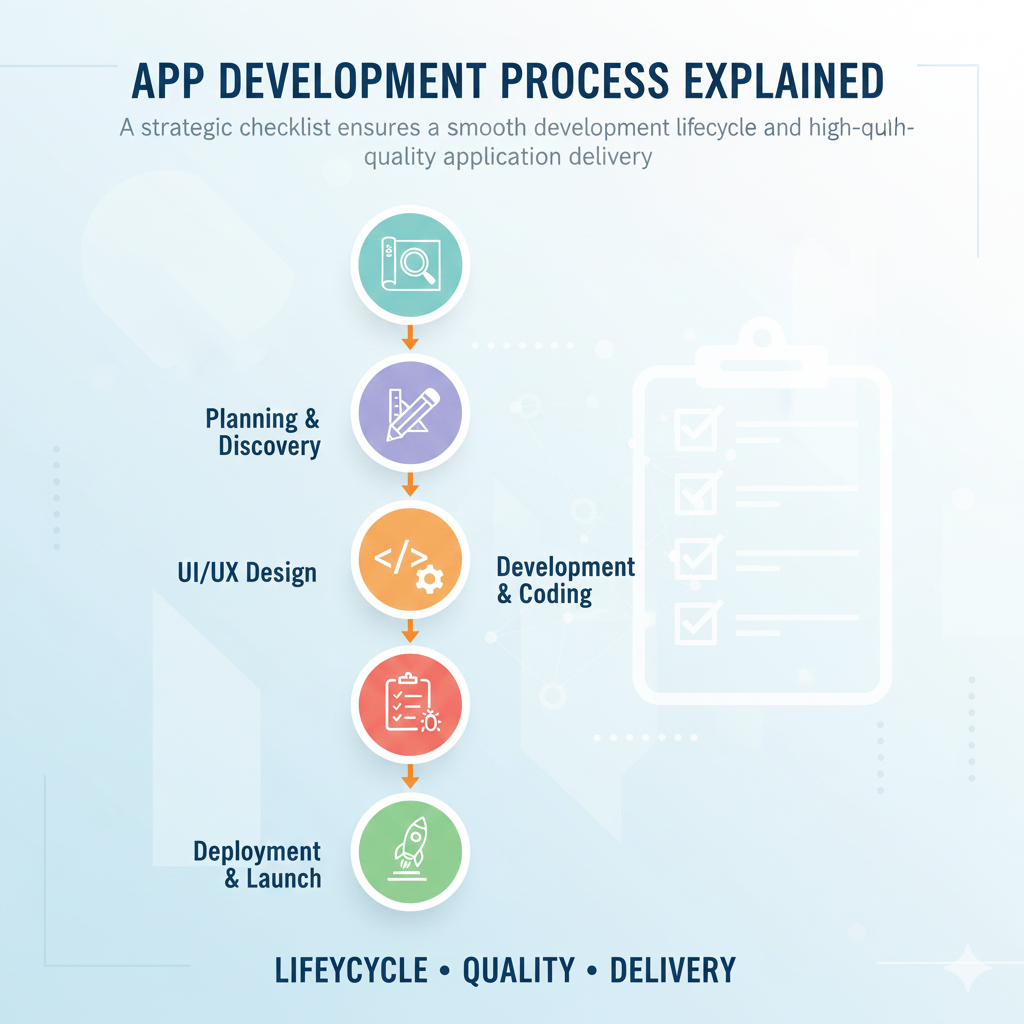
- Discovery. We work out who will use the app, what they need to do in it, and what can wait for version two.
- Design. You get a clickable prototype to try on your own phone before any code is written.
- Development. We build the app and the admin panel behind it in weekly stages, with test builds you can install.
- Testing. On real devices, budget Android phones included, because that is what many of your customers will be using.
- Launch and support. We handle the Play Store and App Store listings and review, then fix issues and add features after launch.
What it costs, roughly
The price depends almost entirely on the features. Logins, payments, chat, maps, live tracking and an admin dashboard each add work. A focused first version with a handful of core features costs far less than an app that tries to do everything on day one, and it gets you real feedback sooner.
Our advice is usually the same: launch small, watch how people actually use it, then build what they ask for. If you are not sure an app is right for your business, talk to us before you commit. Sometimes the honest answer is that a better website is the smarter spend.
