



Most people judge a website within a few seconds, and they rarely tell you why they left. The button was hard to find, the form asked for too much, the page jumped around while it loaded. That is what UI/UX design is really about: removing the small frustrations that quietly cost you enquiries.
UI and UX, in plain terms
UI (user interface) is what people see: layout, colours, fonts, buttons and images. UX (user experience) is how it feels to use: whether people find what they came for, understand what to do next, and get there without thinking too hard.
A site can look beautiful and still have poor UX. A plain site with a clear structure often converts better than a flashy one. The goal is both, but if you have to choose, clarity wins.
Principles we design around
- One main action per page. If you want calls, make the call button obvious. Don't make it compete with five other buttons.
- Consistency. Buttons, colours and spacing should behave the same everywhere, so people don't have to relearn your site on every page.
- Mobile first. For most of our clients, the bulk of visitors arrive on a phone. We design for that screen first and scale up.
- Speed is part of design. A page that takes six seconds to appear has already lost some of its visitors.
- Accessibility. Readable text, enough contrast and buttons big enough for a thumb help everyone, not just people with disabilities.

How the design process works
- Research. We look at who your customers are, what they are trying to do, and what your competitors do well or badly.
- Wireframes. Simple grey layouts that settle structure and content before anyone argues about colours.
- Visual design. Your brand applied to those layouts, page by page.
- Prototype. A clickable version you can try on your phone and share with your team.
- Testing and fixes. We watch real people use it, note where they hesitate, and adjust.
“A great design isn’t just seen — it’s experienced.” ~ Ziyad Qurashi
The tools behind it
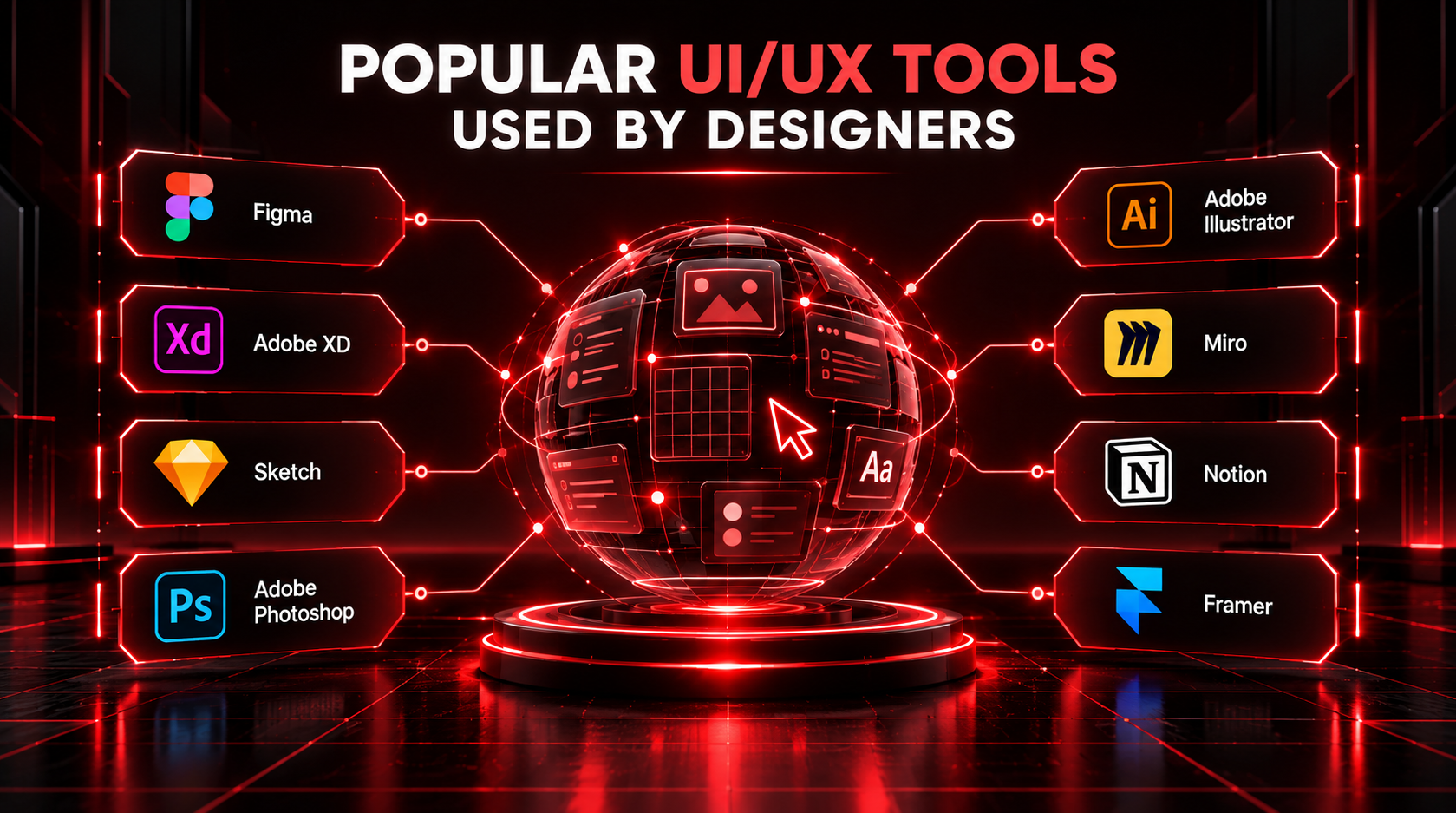
We do most design work in Figma, which lets you comment directly on the designs and see changes as they happen. Adobe XD and Sketch still turn up on some projects, but Figma has become the standard because the whole team, client included, can work in the same file.
Small changes that usually help most
You don't always need a redesign. These fixes often make a visible difference on their own:
- Put your phone number and WhatsApp button where people can tap them without scrolling
- Cut contact forms down to the fields you actually use
- Replace stock photos with real photos of your team, products or premises
- Make headings say what you do, in the words your customers use
- Check every page on a cheap Android phone, not just a laptop
Good design rarely gets noticed. People just find what they need, get in touch, and never think about why it was easy. That is the point.
