


Every piece of software has bugs. The question is whether your team finds them, or your customers do. Software testing and quality assurance (QA) is the work of finding problems before launch, and making sure fixes don't break something else.
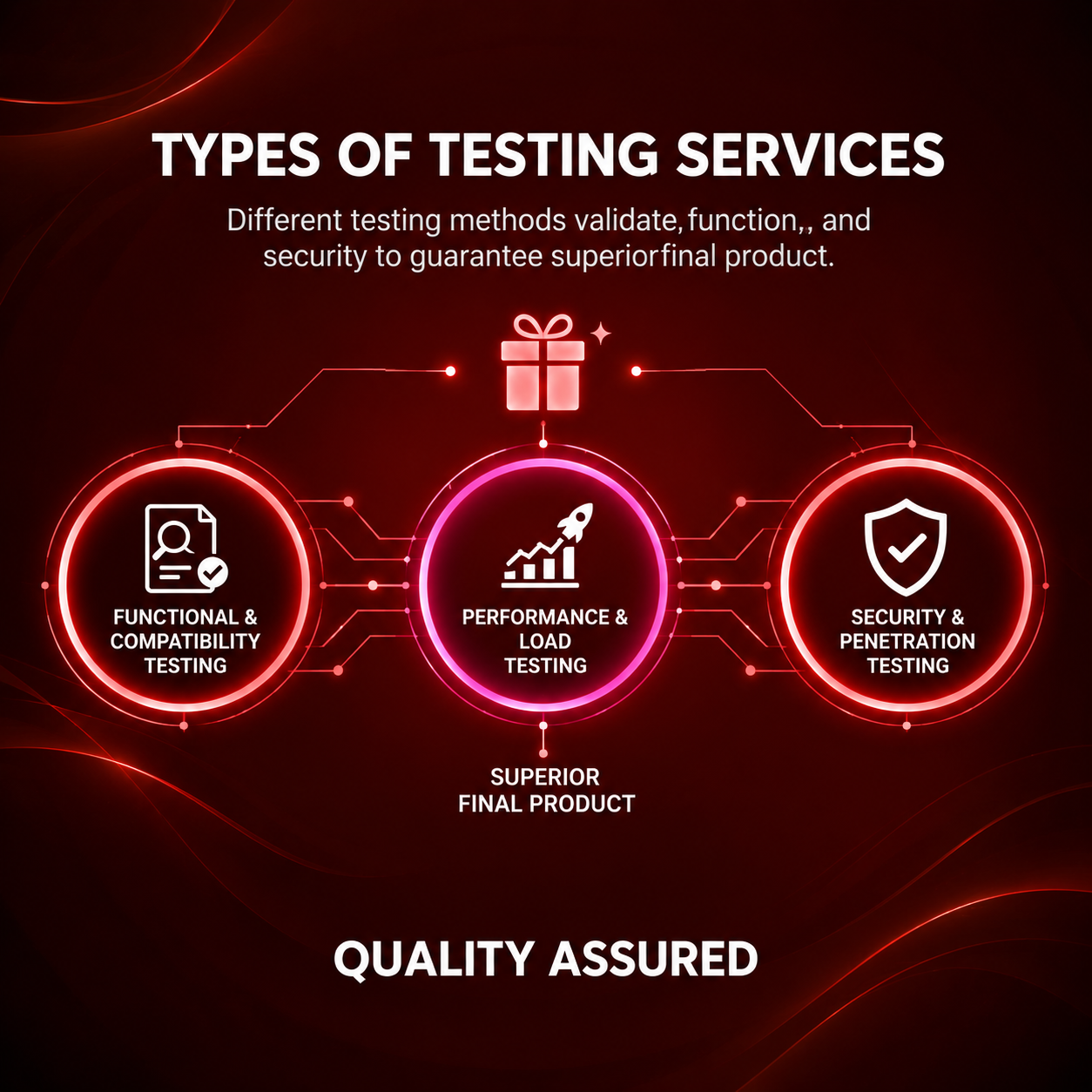
The main types of testing
- Functional testing. Does every feature do what it should? Forms submit, payments go through, emails arrive.
- Device and browser testing. Does it work on Chrome, Safari, a budget Android phone, an older iPhone, a small laptop screen?
- Performance testing. Does it stay fast when 500 people use it at once, not just one developer?
- Security testing. Can someone see data they shouldn't, or get around the login?
- Usability testing. Can real people work out how to use it without help?
- Regression testing. After a change, does everything that worked before still work?
Why testing should start early
A problem spotted at the design stage takes minutes to fix. The same problem found after launch might mean rewriting code, cleaning up bad data and apologising to customers. That is why we test as each feature is built, rather than saving it all for the last week.
It also helps to agree up front what "done" means. Clear acceptance criteria, such as "the order confirmation email arrives within a minute", make testing objective rather than a matter of opinion.
“Quality is remembered long after price is forgotten.” ~ Himanshu Yadav
Manual and automated testing
Both have a place. Manual testing by a person catches confusing layouts, awkward wording and anything that just feels wrong. Automated tests run in seconds every time the code changes, which makes them ideal for checking the same critical paths, like sign-up, checkout and login, over and over.
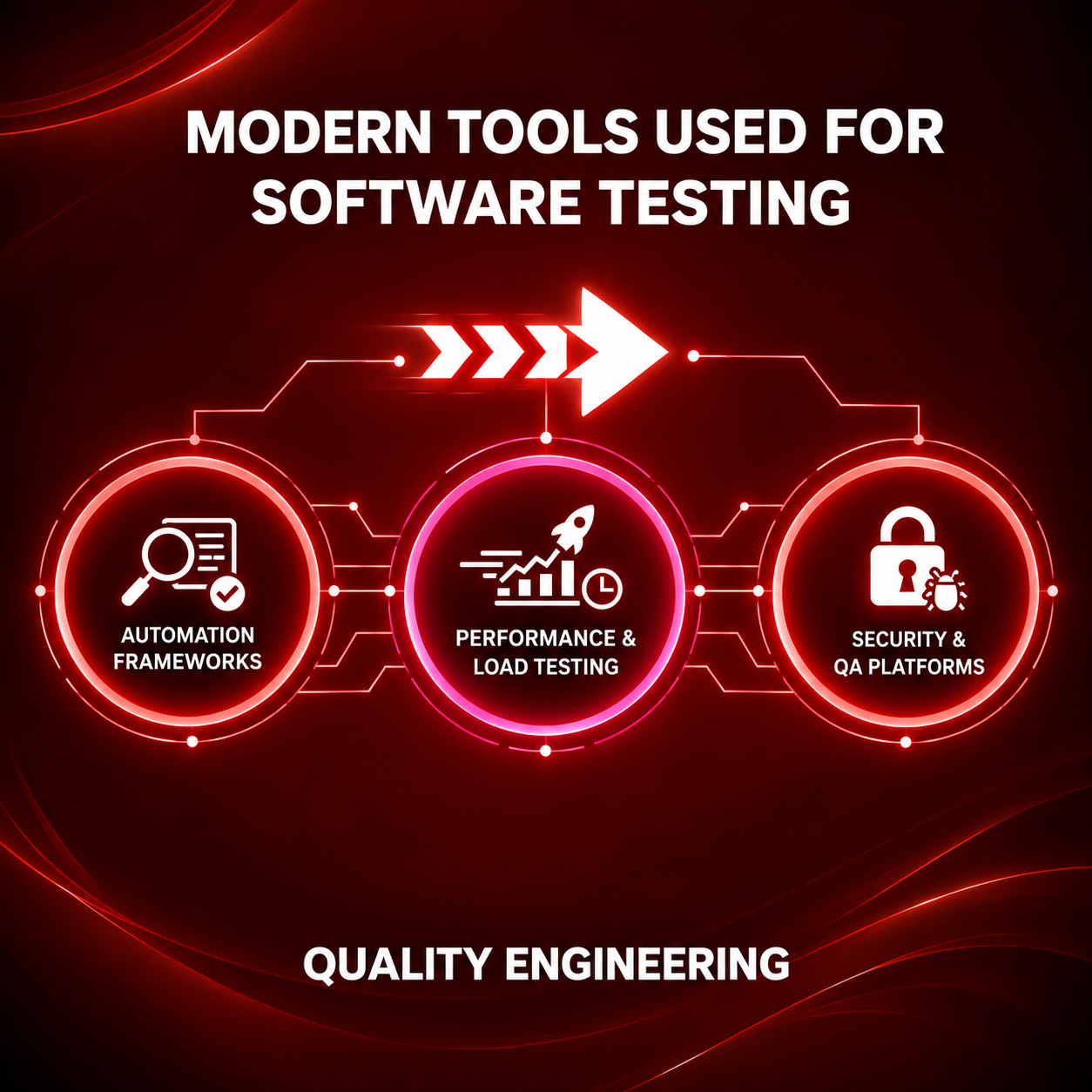
Common tools include PHPUnit and Pest for Laravel applications, Cypress, Playwright and Selenium for browser testing, Postman for APIs, and JMeter for load testing. For mobile apps, real devices still beat emulators.
Where it matters most
Testing matters everywhere, but a bug costs most in online stores (a broken checkout loses sales immediately), payment and fintech apps, healthcare and booking systems, and any software your staff rely on for their daily work.
What to ask your developer
Ask how they test, on which devices, and whether there is a staging site where you can try everything before it goes live. A good team will be happy to show you. If testing is described as "we'll check it at the end", expect to find the bugs yourself.
