


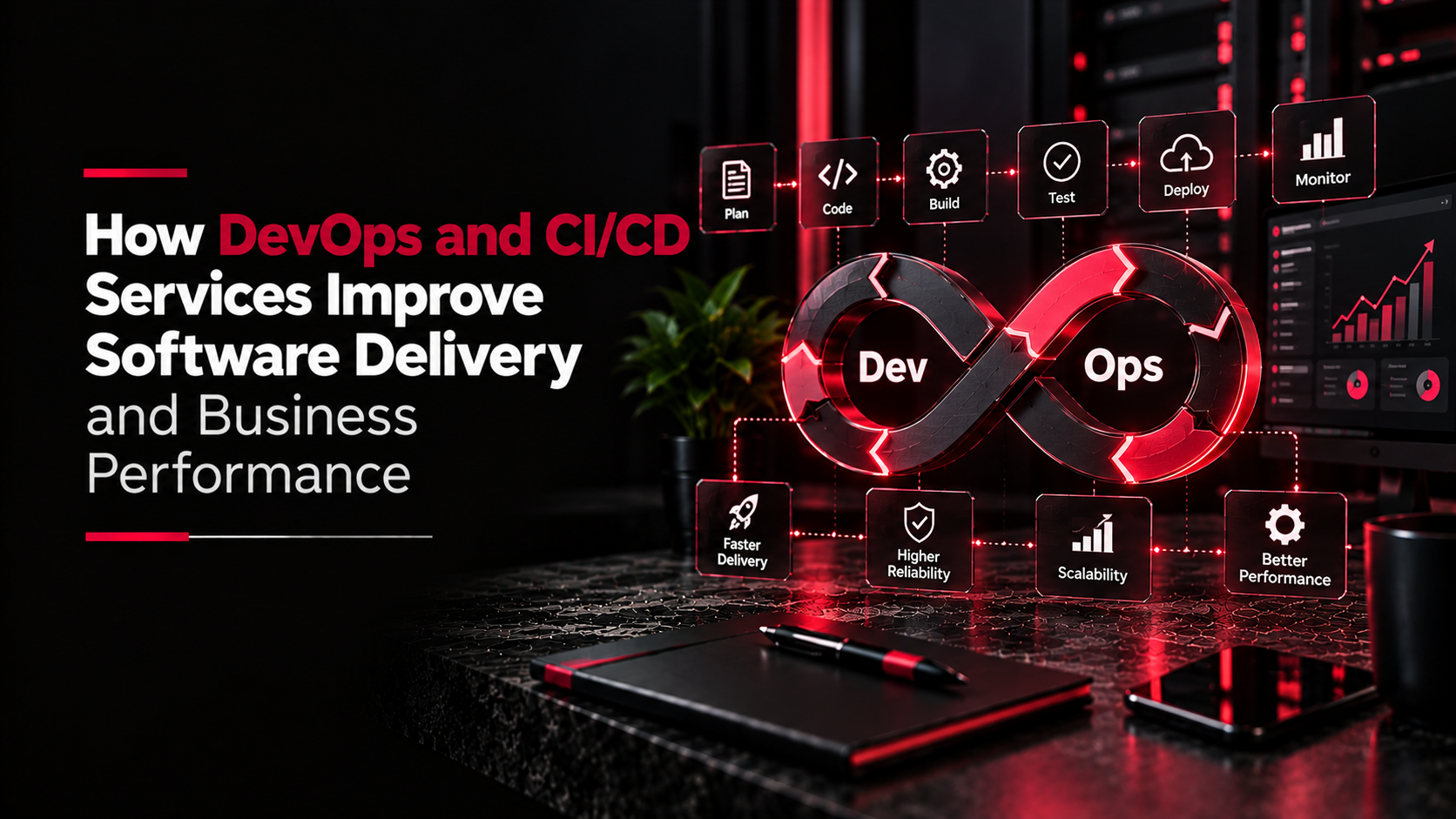
If you have ever asked a developer for a small change and waited a week, or watched an update break something that worked fine yesterday, the problem usually isn't the developer. It is the process for getting changes from their laptop to your live website or app. DevOps and CI/CD are the names for doing that process properly.
What DevOps means
DevOps is a way of working where the people who write the code and the people who run it work as one team, with as much of the routine work automated as possible. In a small team like ours they are often the same people anyway. What matters is the habit: every change is tracked, tested and deployed the same way, every time.
CI/CD in plain English
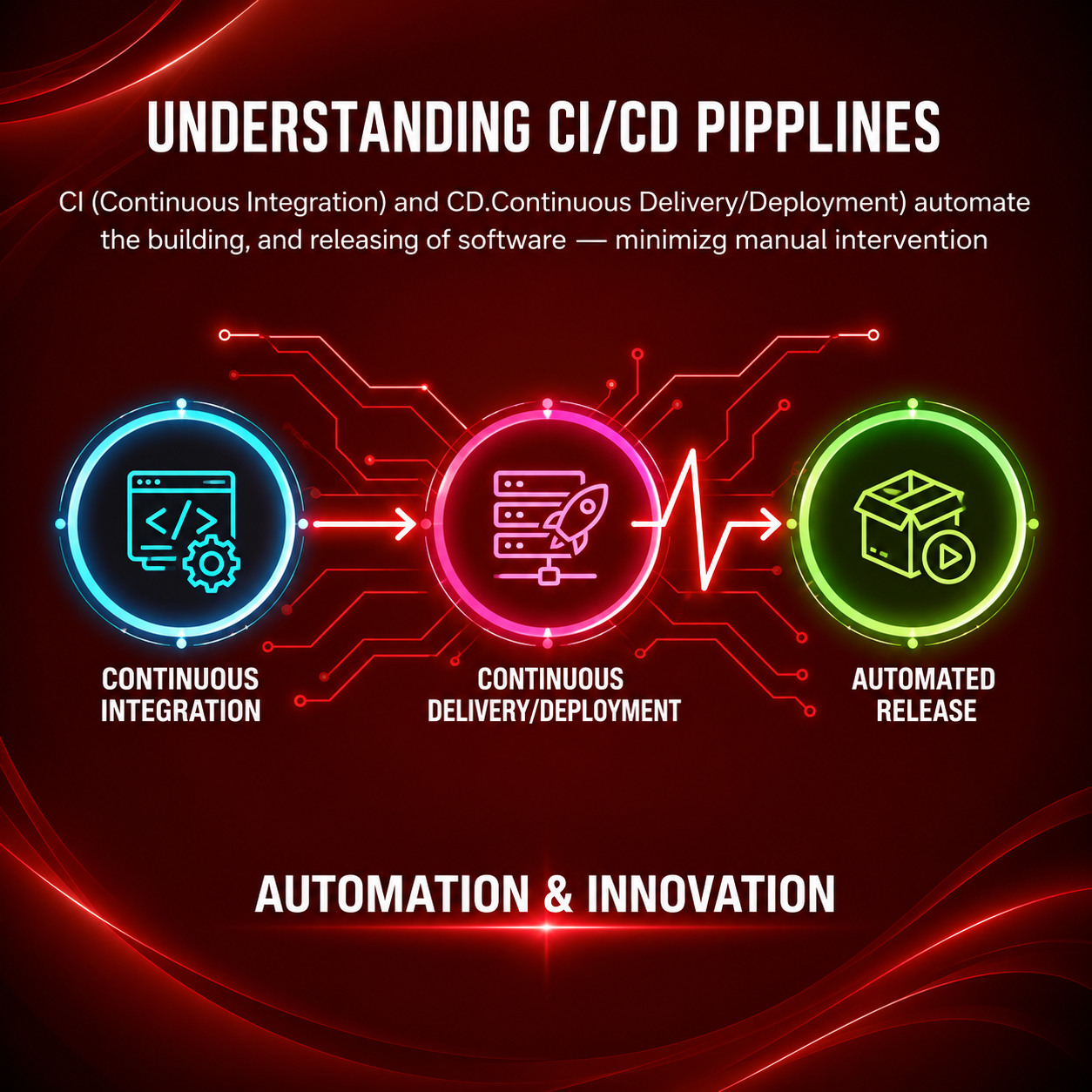
- Continuous integration (CI): every time a developer saves a change to the shared code, automated tests run to check nothing is broken.
- Continuous delivery (CD): once the tests pass, the change can go to a staging site for you to check, and then to the live site, with one click or automatically.
A typical pipeline looks like this:
- A developer pushes code to the repository
- Automated tests run
- The update goes to a staging site for review
- After approval, it goes live
- Monitoring watches for errors after the release
Why it matters to you
- Faster updates. Small changes go live in hours, not weeks later in a big batch.
- Fewer surprises. Tests catch many problems before your customers do.
- Easy rollback. If something does go wrong, going back to the previous version takes minutes.
- No dependence on one person. Deploying isn't a ritual only one developer knows how to perform.
“Automation accelerates progress — DevOps makes it unstoppable.” ~ Salman Khan
Common tools
You don't need to know these, but you will hear the names: Git with GitHub or GitLab for storing code, GitHub Actions or Jenkins for running pipelines, Docker for packaging applications the same way everywhere, and AWS, DigitalOcean or similar for hosting. Error-tracking tools like Sentry alert the team when something breaks.
Questions to ask your development team
- Is our code in a repository we own and can access?
- Is there a staging site where we can check changes before they go live?
- Are there automated tests, and what do they cover?
- How long does it take to roll back a bad update?
- Who gets alerted if the site goes down at night?
If the answers are vague, it is worth fixing, especially for online stores and apps where every hour of downtime costs sales. Setting up a basic pipeline is a one-time job, and it pays off every time you need a change made quickly.
