


"Move to the cloud" is advice almost every business hears at some point, usually without much explanation. Put simply, cloud hosting means renting computing power from a large provider such as AWS, Google Cloud or DigitalOcean, instead of running your own server or squeezing onto a cheap shared host.
It is not automatically better for everyone. Here is how to think about it.
The main types of cloud service
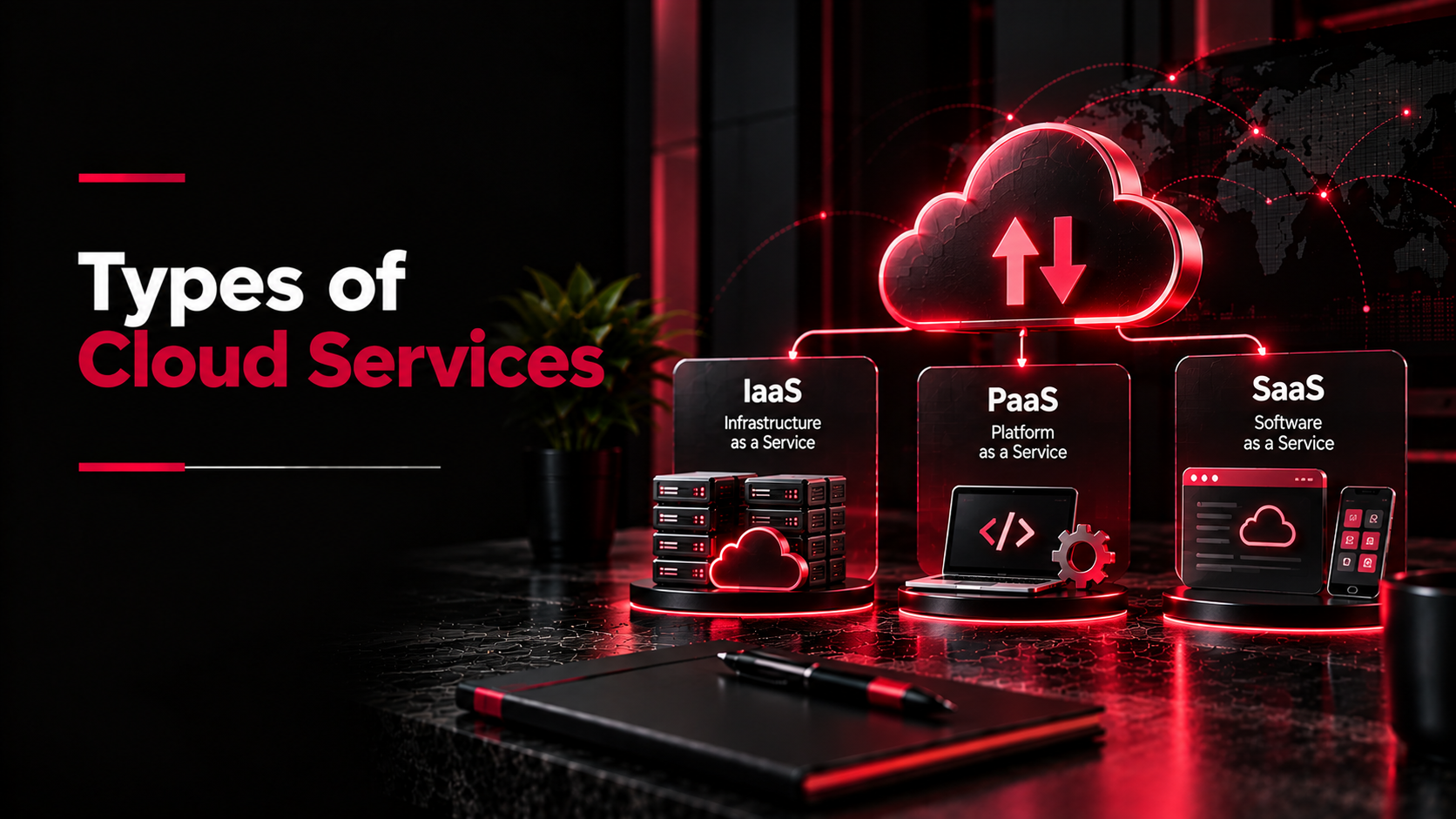
- IaaS (infrastructure as a service). You rent virtual servers and storage and manage them yourself, or through a team like ours. AWS EC2 and DigitalOcean droplets are typical examples.
- PaaS (platform as a service). The provider looks after the servers; you just deploy your application. Good for teams who don't want to manage operating systems.
- SaaS (software as a service). Finished software you use in a browser, like Google Workspace or Zoho. You are probably using more of this than you think.
Shared hosting vs cloud, in practice
For a small brochure website, decent shared hosting is usually fine and cheap. The problems start when your site or software grows:
- The site slows down whenever another site on the same server gets busy
- You can't add memory or processing power when you need it
- Backups and security depend entirely on the hosting company
- Custom software, apps and APIs often need settings shared hosting won't allow
Cloud hosting fixes these by letting you scale resources up or down, keep your setup isolated, and automate backups. The trade-off is that it has to be set up and looked after properly.
Real benefits, and the catches
What you gain:
- Pay for what you use, and scale up for busy periods like a sale or admission season
- Daily backups and quick restores if something goes wrong
- Data centres in India (the Mumbai and Hyderabad regions), so pages load fast for Indian visitors
- Better uptime than a single physical server sitting in an office
What to watch:
- Bills creep up if nobody keeps an eye on unused resources
- Someone needs to handle updates, security and monitoring
- Moving an existing system needs planning, so nothing is lost or broken on the way
“Cloud isn’t just a technology upgrade — it’s a business evolution.” ~ Farha Alam
Who benefits most
In our experience, cloud hosting makes the biggest difference for online stores with traffic spikes, mobile apps with a backend and admin panel, custom software used by staff in more than one location, and schools or clinics handling bookings and records online.

Choosing a provider
AWS is the most complete and the most complicated. Google Cloud is strong for data and AI work. Microsoft Azure suits businesses already built around Microsoft tools. DigitalOcean is simpler and often the most cost-effective choice for small and medium projects.
If you are not sure you need the cloud at all, start with the question that matters: is your current setup slow, unreliable, or stopping you from doing something? If not, there is no rush. If it is, a short audit will tell you what to move, where to move it, and what it will cost each month.
